

AI Video Generation. Simple. Affordable. No Expertise Required.
Turn text and images into stunning videos with Sora, Veo, and more. Professional results without the learning curve—or the professional price tag.
Pro‑quality video without the pro complexity
Multiple AI models
Access Sora 2, Sora 2 Pro, Veo 2, Veo 3, Veo 3.1, and more. Pick the right model for your project and budget.
Affordable generation
Pay only for what you use. Quick projects cost less. Premium quality when you need it.
No learning curve
Describe your video in plain text or upload an image. Pixic handles the rest.
💎From idea to video in seconds
⭐Three steps to your AI‑generated videos
Create 🎞️ Your Way
Explore what's possible with Pixic VideoGen. From cinematic scenes to product demos, our AI video models bring your ideas to life—just describe what you want and watch it happen.
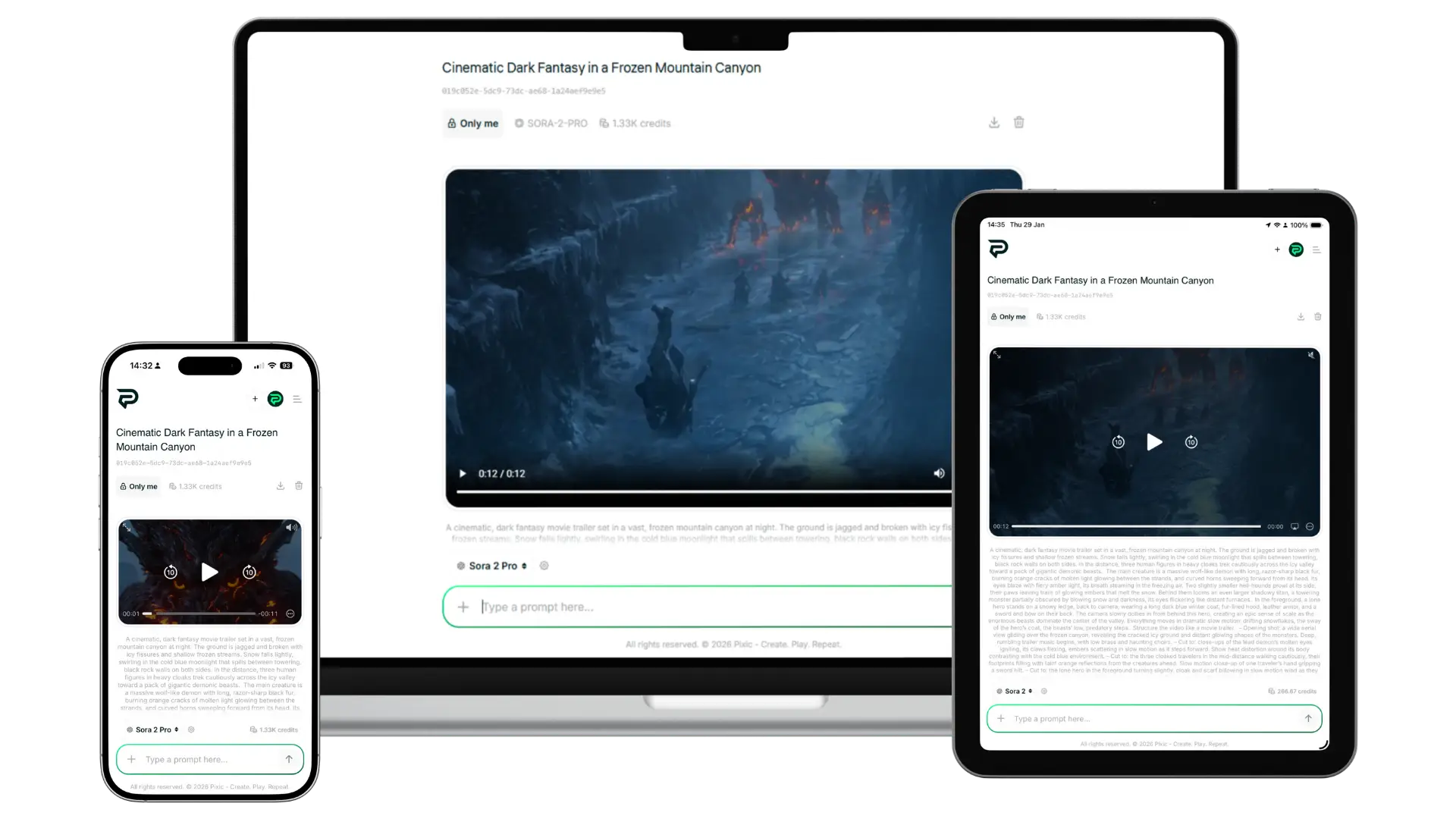
One platform. Any device. No app needed.
Pixic runs entirely in your browser—desktop, tablet, or mobile. Your workspace, content, and credits stay synced across all devices.
Everything you need to create AI videos
- Text‑to‑video – Describe your video in plain language. AI generates it.
- Image‑to‑video – Upload an image to animate or use as a reference frame.
- AI‑generated audio – Add sound to your video by describing it in your prompt (Veo 3 models).
- Auto‑enhance prompt – AI automatically improves your prompt for better results (select models).
- Frame adding – Upload images as reference frames to guide your video’s look.
- PromptGen assistant – Get help writing better video prompts inside Pixic Chat.
8 AI video models for every need and budget
Different models. Different capabilities. Different costs. You choose.
Pricing Options
Basic
- 500 Credits per month
- Sora 2
- No daily limit
- No watermark
- All options unlocked
- Unlimited Data Retention
Pro
- 3000 Credits per month
- All 7 models unlocked
- No daily limit
- No watermark
- All options unlocked
- Unlimited Data Retention
Add Credits
- Active credits never expire
- Buy additional credits anytime
FAQ about VideoGen
Do I need video editing skills?
No. Just describe what you want or upload an image. Pixic generates a ready‑to‑use MP4 video.
What's the difference between Free and PRO?
Free gives you 500 monthly credits and access to Sora 2. PRO gives you 3,000 credits and unlocks all 7 models including Veo 3 with audio support.
How many videos can I generate?
It depends on the models you use. Sora 2 costs ~267 credits; Veo 3 costs ~1,330 credits. Free plan = 500 credits; PRO = 3,000 credits.
Can I generate videos from images?
Yes. Upload an image to animate it or use it as a reference frame for your video.
Can I add audio to my videos?
Yes, with Veo 3 models. Describe the audio in your prompt (music, sound effects, ambient sound) and AI generates it.
What is Auto‑Enhance Prompt?
Select models (Veo 3, Veo 3.1) automatically improve your prompt to get better video results.
What is Frame Adding?
You can upload images as reference frames to guide the look, style, or content of your video.
Where are my videos saved?
All generated videos are saved to your Content Library for easy access and download.
Can I use the same credits for Imagen and VideoGen?
Yes. Your credits work across both Pixic Platform: Chat, Imagen and VideoGen.
AI video generation—simple and affordable
Turn text and images into video with Sora, Veo, and more. No expertise needed. No complex tools. Just results.